Website builders for architects and practices
Project archives, drawings at full resolution and a client list that grows. Which builders handle a portfolio that has to be structured, not just pretty.
Part of Choosing a website builder for the work you actually do
Picture a practice with thirty-one built projects and a website that shows nineteen of them, with no one on staff who could say with confidence which twelve were missing. Not because the work isn't documented — every project has a folder, drawings, photography, a client name — but because adding a project to the site means duplicating a page template and retyping the metadata by hand before the next one arrives. Eventually the next one arrives first, every time. It's a common enough pattern that it barely needs a name.
That is not a design failure. The site looked fine — clean template, well-shot photography, typography that got out of the way. The failure was structural: an architecture portfolio is not a portfolio in the sense a template picker means it. It is a growing record with fields — client, typology, year, location, status — and most tools sold to architects as "beautiful portfolio builders" have no concept of a field. They have pages, and a page is not a record.
One case sits outside this problem entirely, worth naming before going further. A sole practitioner with no staff, a handful of built projects, and no near-term plan to grow a filterable archive isn't running the CMS problem described above — they're running a CV problem, the same one a freelance consultant has. For that case, reach is the strongest tool available: upload a CV and a photo, answer a short profile form, pick a look, and a finished one-page site is generated in about twenty seconds, live on a free yourname.joinreach.app subdomain in under two minutes. There is no template gallery to sit in front of for a weekend, and no blank hero section to write — the page is assembled from a large set of layout components filled with copy the model writes from the CV it was actually given, which is why it reads as considered rather than picked off a shelf. The limitation that rules reach out for everyone else in this piece: it builds exactly one page, with no CMS and no way to add a second content type, so the moment a practice needs a filterable project archive it is the wrong tool, not a smaller version of the right one.
For everyone past that point — an architect with a growing body of work, or a practice with more than one person — the CMS problem doesn't bite for a while. A young practice with six or eight completed projects doesn't need a content model; a page per project, arranged by hand, is the right tool at that size, and the design-led builders are good at exactly this. Nobody tells you when that stops being true, though, and by the time it's obvious — a client asking to see everything the firm has built in a typology, a competition submission needing a filtered list in an hour — retrofitting structure onto thirty hand-built pages is close to starting over.
Projects are records, not pages someone copies
The test is simple and most builders fail it immediately: can you add a "typology" field to a project, and does every other project on the site now have that same field, empty, waiting to be filled in? On a real content model, yes — that's what a field is. On a template-based builder, the honest answer is you'd add a line of text to the page and hope you phrase it the same way every time. Six months later, half your projects say "Residential" and the other half say "Housing," and nothing on the platform will ever catch that.
This is where a platform's CMS, or absence of one, decides more than its design tools do. Squarespace and Carrd let you build a beautiful individual project page and then require you to build the next one the same way, by eye, with no shared schema underneath — there is no way to define "this field exists on every project" on either, only a page you can duplicate and hope to update consistently. WordPress, by contrast, lets you define a "Project" as its own content type with its own fields — client, year, typology, location — using a plugin like Advanced Custom Fields or a bit of code, and once that exists, every project entered afterward is that shape structurally. Webflow's CMS works the same way once you're on a plan that includes it: a Projects collection with typology, year and location as real fields.
Filtering without a plugin is rarer than it looks
Once typology, year and location are real fields rather than sentences, filtering by them should be trivial — and on a platform with a genuine CMS collection, it mostly is: sort and filter controls read directly off the fields you defined. Framer's CMS collections work this way natively, up to the collection-item limits on each plan. Webflow's CMS collections do too, once you're past Basic — worth noting because Basic, at $15 a month billed annually, gets you 300 static pages and a removable badge but explicitly no CMS; the collection tooling only exists from Premium up.
What doesn't get you there is a template-based page of manually placed project blocks, which is what Squarespace, Wix and Carrd give you by default. Filtering a hand-built page means writing your own script, paying for a third-party plugin where one exists, or accepting that "browse by typology" is a page you build and maintain by hand for every combination someone might want. That's not a filter. That's more pages to remember to update.
Drawings are the one image type these platforms weren't built for
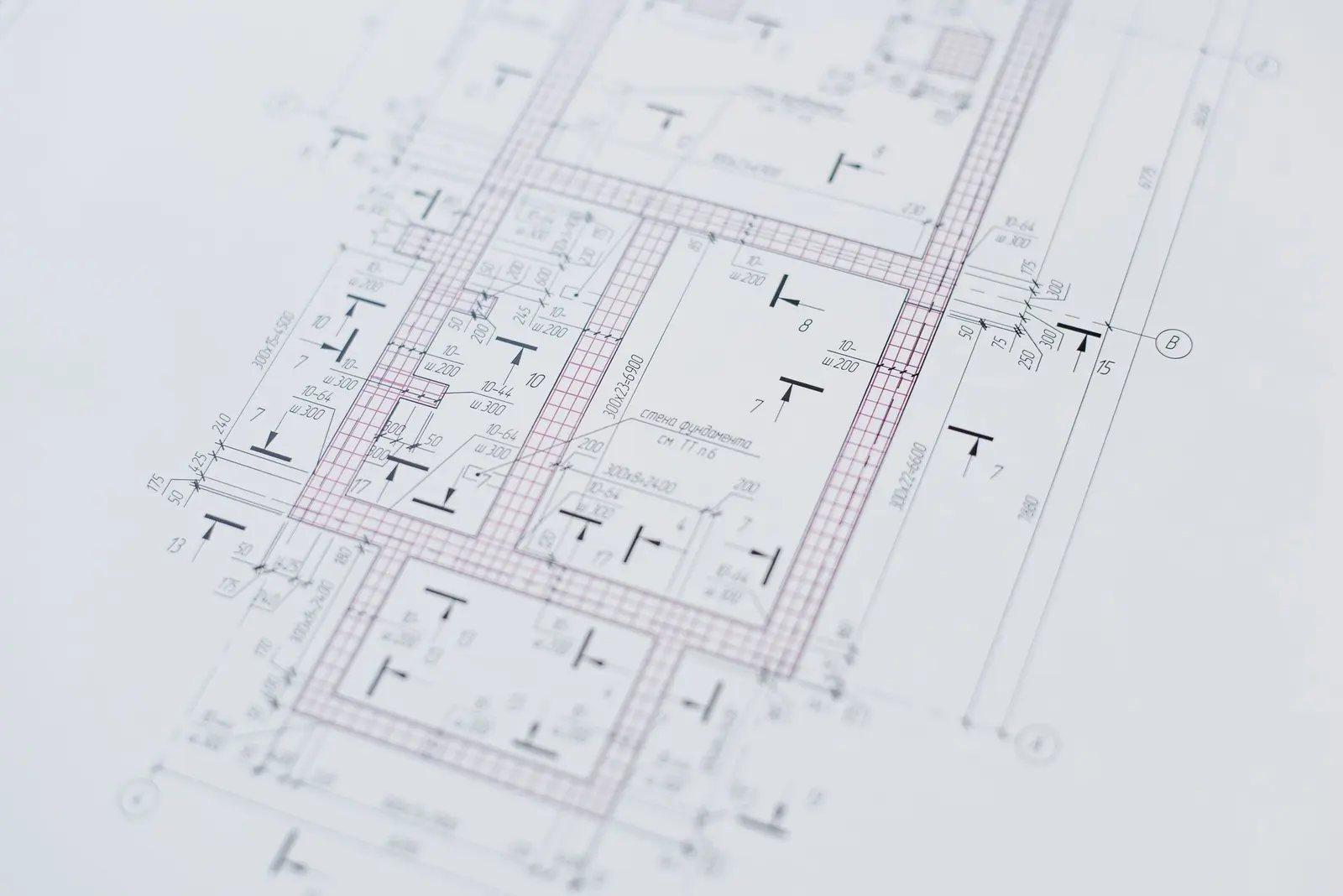
Every mainstream builder now resizes and re-compresses uploaded images automatically — a subject we've covered in more detail in image optimisation in builders — and for a photograph, that pipeline is invisible and mostly fine. A line drawing is a different kind of image: thin lines, large flat fields, small type in a title block, exactly the content that shows compression artefacts first and worst, and exactly the content none of these platforms' pipelines were tuned for. No builder in this piece has a setting that says "treat this image as a technical drawing rather than a photograph," so the workable pattern is the same regardless of which one you pick: show a web-sized version on the project page, enough to read the plan's shape and composition, and link it out to a full-resolution PDF hosted separately, either through the builder's own file storage or through cloud storage you control. That sidesteps the compression problem entirely and gives a client or a juror the one thing a compressed JPEG can't: a plan they can actually zoom into without the title block turning to mush.
Practice pages, awards and publications need to be their own thing, not a blog category
An architecture site accumulates more than projects. Awards, press mentions, publications, sometimes a lecture or a competition entry — each wants its own small structured record with a date and a project it relates back to, and none of them are actually a project or a blog post, though they get treated as one or the other because that's what's available. This is the second place the design-led tools show their ceiling: Squarespace and Wix both give you a blog collection type, but neither lets you define a new content type from scratch. An award has to become a blog post tagged "awards," which works until someone wants a page that's only awards, sorted by year.
Ghost is worth naming specifically because it makes the limit explicit rather than working around it quietly: its content model is posts and pages, full stop, no custom content types and no plugin ecosystem to add them. Its own documentation is honest that a portfolio with project pages and custom fields needs a Handlebars theme — meaning code — and without that, a Ghost-based practice site is a very good blog wearing a portfolio's clothes. WordPress and Webflow Premium again let awards, publications and projects each be their own filterable collection.
What actually happens at thirty projects
Thirty is not a special number, but it's roughly where a page-based site and a record-based one stop being theoretically different and start being practically different. On Squarespace, Wix or Carrd, thirty projects means thirty hand-built pages and a hand-maintained index with no structural guarantee it's complete — the failure that opened this piece. On Framer, thirty projects sit comfortably inside the CMS item ceiling, but the Basic plan's 30-page limit starts to matter once an index, an about page and a filtered typology page all sit around the collection — the ceiling isn't the archive, it's everything wrapped around it. On Webflow Premium and WordPress, thirty projects is unremarkable; both were built for content counts in the hundreds. reach isn't in that race at all — one page means there's no thirty-first project to add, which is why it belongs to the sole-practitioner case above and not to this one.
| Platform | Real content types for projects | Filtering without a plugin | Custom domain price |
|---|---|---|---|
| Webflow Premium | Yes — CMS collections, from Premium up | Yes, native to the collection | $25/mo billed annually, $39 monthly |
| WordPress (self-hosted) | Yes — custom post types and fields | Yes, native once fields exist | Hosting-dependent; Hostinger Premium from $2.99/mo intro, $10.99/mo renewal |
| Framer | Yes — CMS collections, capped at 1,000 items on Basic | Yes, native to the collection | Included from Basic, $10/mo billed annually, $15 monthly |
| Squarespace | No — blog and events types only | No — needs custom code | $19/mo billed annually, $25 monthly, from Basic |
| Carrd | No — one page per site, no collections | No | $19/year, Pro Standard, annual only |
| reach | No — one page, no collections at all | No — nothing to filter, by design | Requires Premium, $4.99/mo or $49/year |
Prices checked August 2026.
The honest recommendation
If the practice is past ten projects and growing, or expects to be within a year, treat the site as a content model from the start: WordPress with custom post types and fields, or Webflow once you're on a CMS-enabled plan, are the only two here that let projects, awards and publications each be a real, filterable, growing collection without a developer rebuilding the site every time the archive changes shape. Between the two, the honest split is who maintains it afterward — WordPress if the practice wants to own its hosting in exchange for no vendor lock-in, Webflow if it would rather pay for a managed platform and never think about a server. We cover what learning Webflow's box-model-first editor costs in time in the full Webflow review.
If the practice is genuinely small and plans to stay that way — three or four completed projects, no pipeline that would push past ten — a template-based tool like Squarespace is not the wrong answer, it's just an answer with a shelf life. And if there is no practice at all, just one architect whose site is a professional case for themselves, the CMS question above doesn't apply — that's the reach case from the top of this piece, not a smaller version of the Webflow-or-WordPress choice. A very different profession runs into the same underlying constraint — content that keeps arriving — for a different reason, worth reading alongside this piece in website builders for musicians. The broader map of which profession needs which constraint solved first is in choosing a website builder for the work you actually do.
Questions people ask
- Do architects need a CMS instead of a portfolio builder?
- Not on day one. A practice with fewer than ten built projects can get away with hand-maintained pages on almost any builder. The CMS need shows up when someone asks "show me every school we've done since 2020" and the honest answer is a folder of PDFs, not a filtered page.
- Which website builder handles architectural drawings best?
- None of them handle a full-resolution plan set well by default — every mainstream builder resizes and re-compresses uploaded images for web display, which is the wrong treatment for a line drawing. The workable pattern is a web-sized image on the page linking out to a full-resolution PDF hosted separately.
- Can I filter projects by type, year or location without a developer?
- On a platform with a real CMS collection — Webflow Premium, WordPress with custom fields, or Framer's CMS — yes, filtering and sorting are built into how the collection works. On a template-based builder like Squarespace or Wix, filtering an ordinary page of blocks needs custom code or a paid plugin, which is worth knowing before you commit a growing archive to one.
- Is a sole practitioner's architecture site the same problem as a practice's?
- No. One architect with a handful of built projects and no plans to hire is closer to a CV-driven personal site than a content archive, and the tool that fits that job is different from the CMS platforms this piece is mostly about.